

GeoMarvel recently joined GEO Jobe for the webinar Geospatial Hosting Platforms for Spatial Solutions, featuring a live demonstration of Spatial.Host, GeoMarvel’s fully managed geospatial hosting and deployment platform. The session explored how organizations can deploy, manage, and scale ArcGIS-based solutions without the complexity of managing cloud infrastructure themselves.
From streamlined deployments and automated maintenance to flexible cloud configurations and developer-friendly tools, the webinar highlighted how Spatial.Host helps organizations spend less time managing infrastructure and more time putting their geospatial data to work.
Watch the webinar above!

Think of Spatial.Host as the hosting layer between cloud infrastructure and the geospatial applications organizations rely on every day.
Similar to how traditional web hosting providers make it easier to launch and manage websites, Spatial.Host is purpose-built for the ArcGIS ecosystem. It provides a centralized platform for deploying and managing geospatial infrastructure across cloud environments, including Amazon Web Services (AWS), Microsoft Azure, and Google Cloud Platform (GCP).
Rather than requiring specialized DevOps or cloud engineering expertise to configure servers, manage deployments, maintain security, and coordinate updates, users can perform many of these tasks through an intuitive, self-service interface. The result?
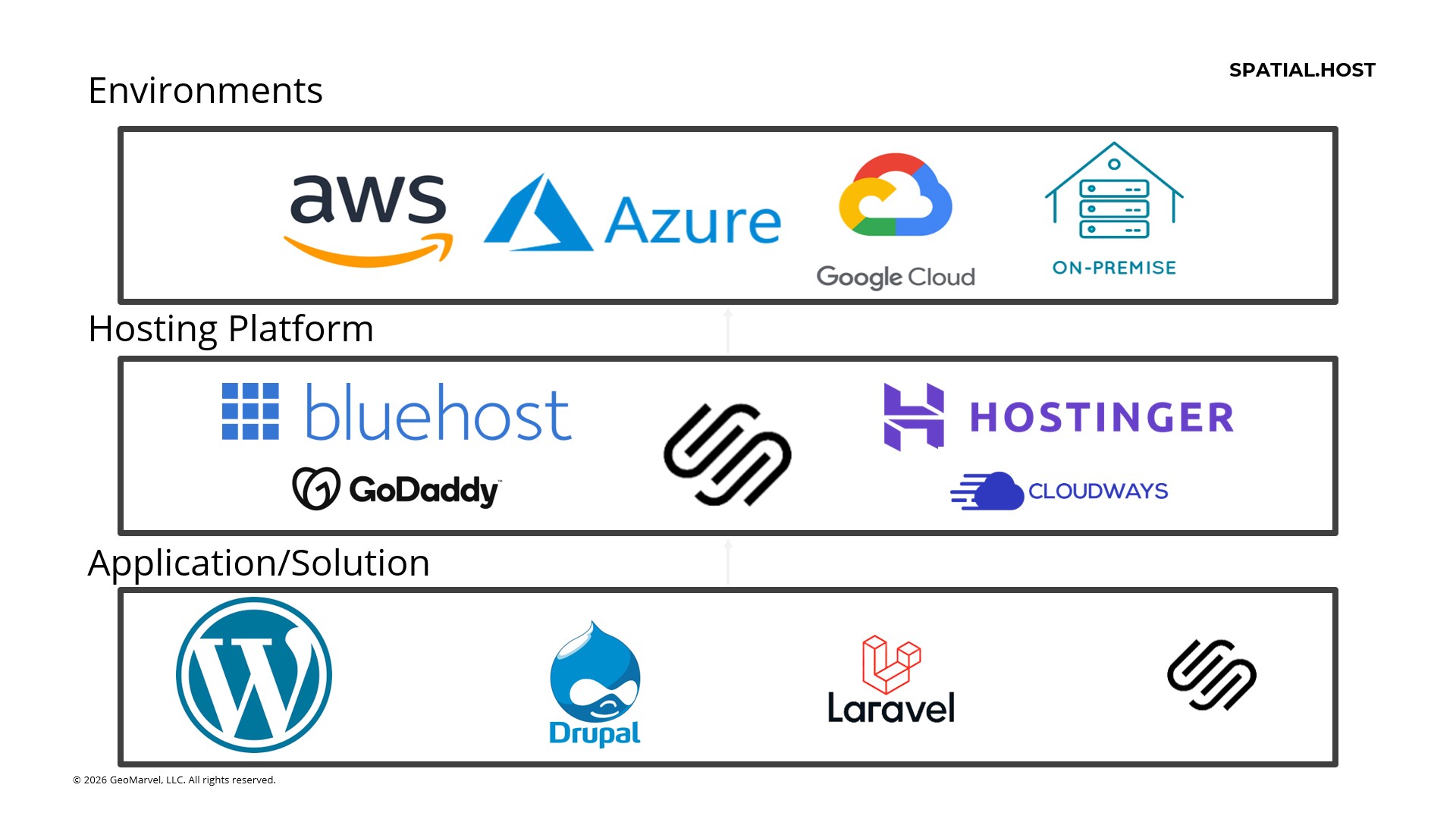
A more accessible, manageable, and scalable approach to hosting GIS solutions, whether an organization is running a single ArcGIS Server instance, a multi-machine ArcGIS Enterprise deployment, or a more complex geospatial application environment.
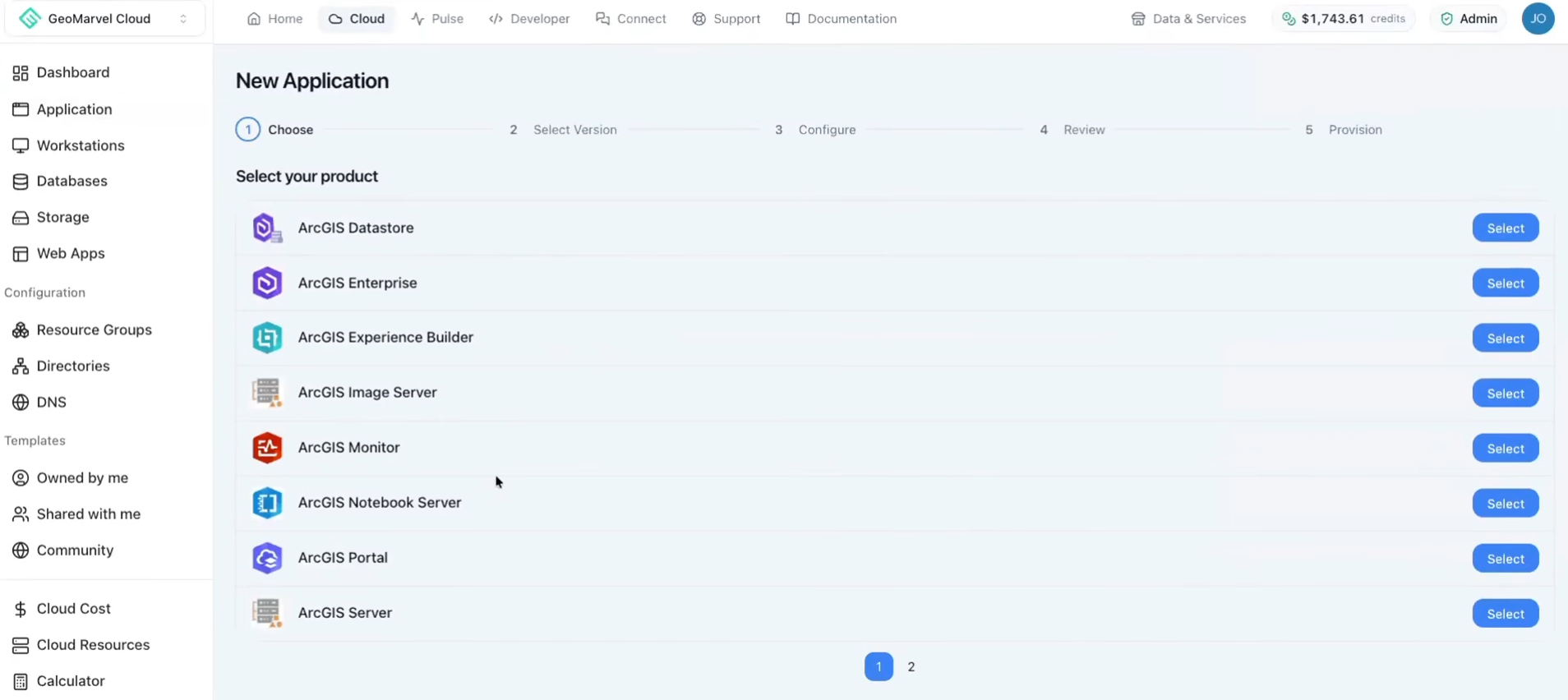
The live demonstration showcased how Spatial.Host brings infrastructure management, application deployment, and ongoing operations together in one platform.
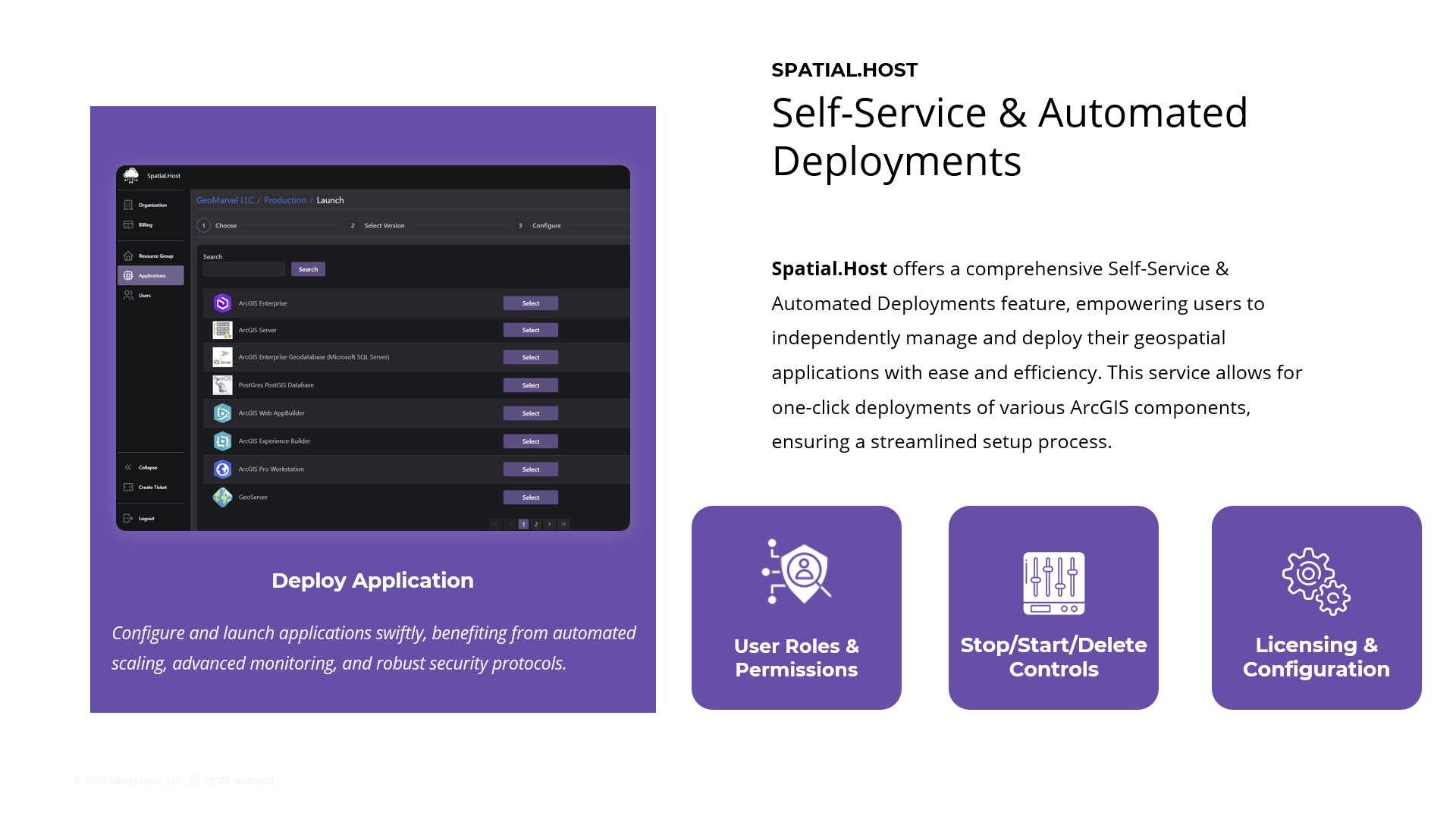
The session demonstrated how users can provision geospatial environments through the Spatial.Host interface in minutes, reducing the need for manual infrastructure configuration.
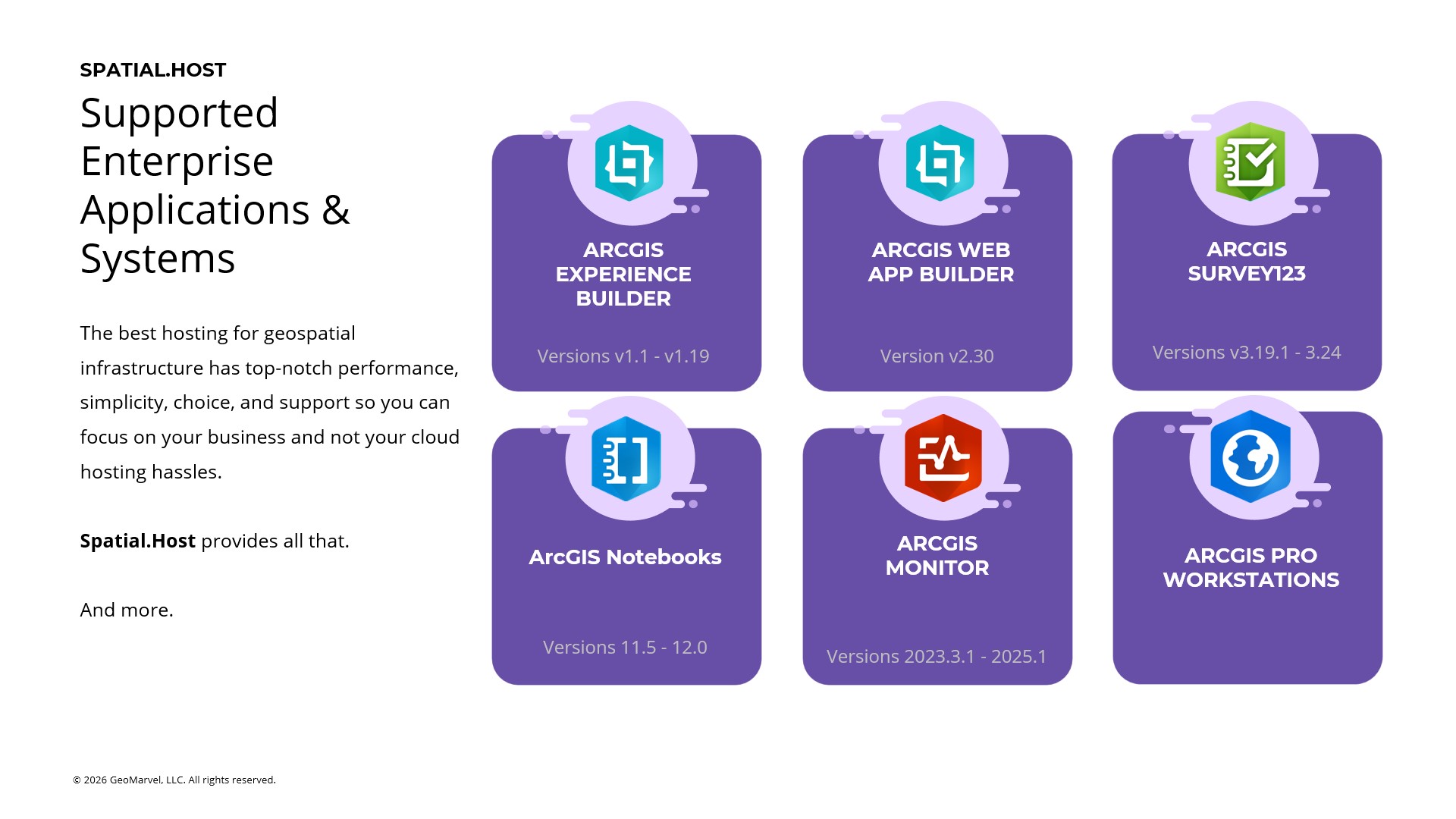
The platform supports single- and multi-machine ArcGIS Enterprise deployments, along with individual components such as ArcGIS Server, ArcGIS Knowledge Server, ArcGIS Velocity, and ArcGIS Notebooks. Organizations can also configure ArcGIS Pro workstations with GPU or vCPU resources to match their workloads.
This flexibility helps teams select the infrastructure they need without having to build every environment from scratch.
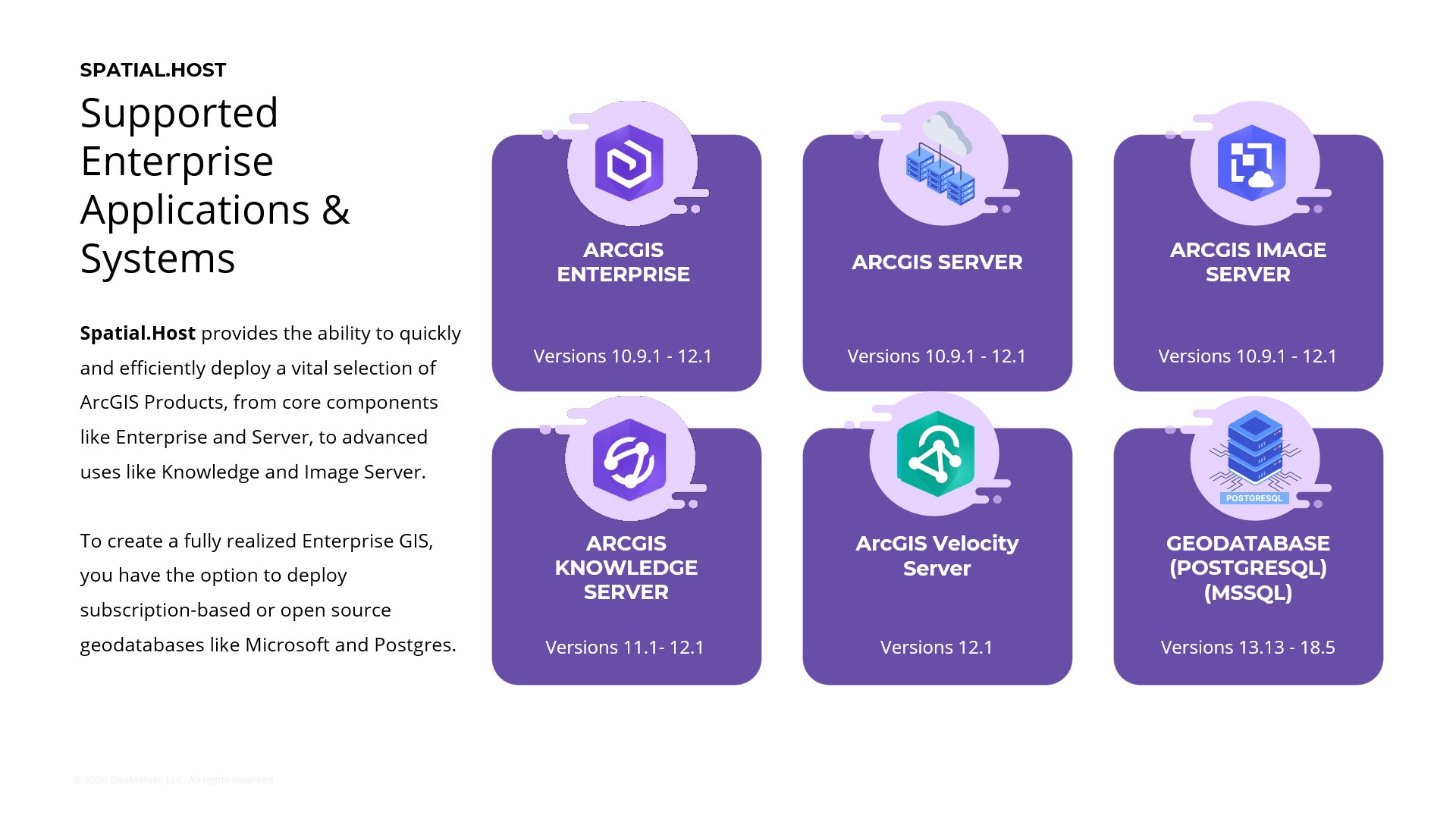

One of the platform’s key capabilities is its Bring Your Own Cloud (BYOC) functionality. Organizations can connect existing AWS, Azure, or GCP accounts and manage their geospatial deployments through Spatial.Host.
This is particularly valuable for organizations that already have cloud credits, established cloud environments, or specific compliance requirements. Instead of moving everything to a new hosting provider, they can leverage their existing cloud investments while benefiting from Spatial.Host‘s deployment and management capabilities.
The platform also supports migration into Spatial.Host from existing cloud deployments, including Azure, AWS, and GCP, with paths to migrate back out when needed. This flexibility helps organizations avoid unnecessary vendor lock-in.
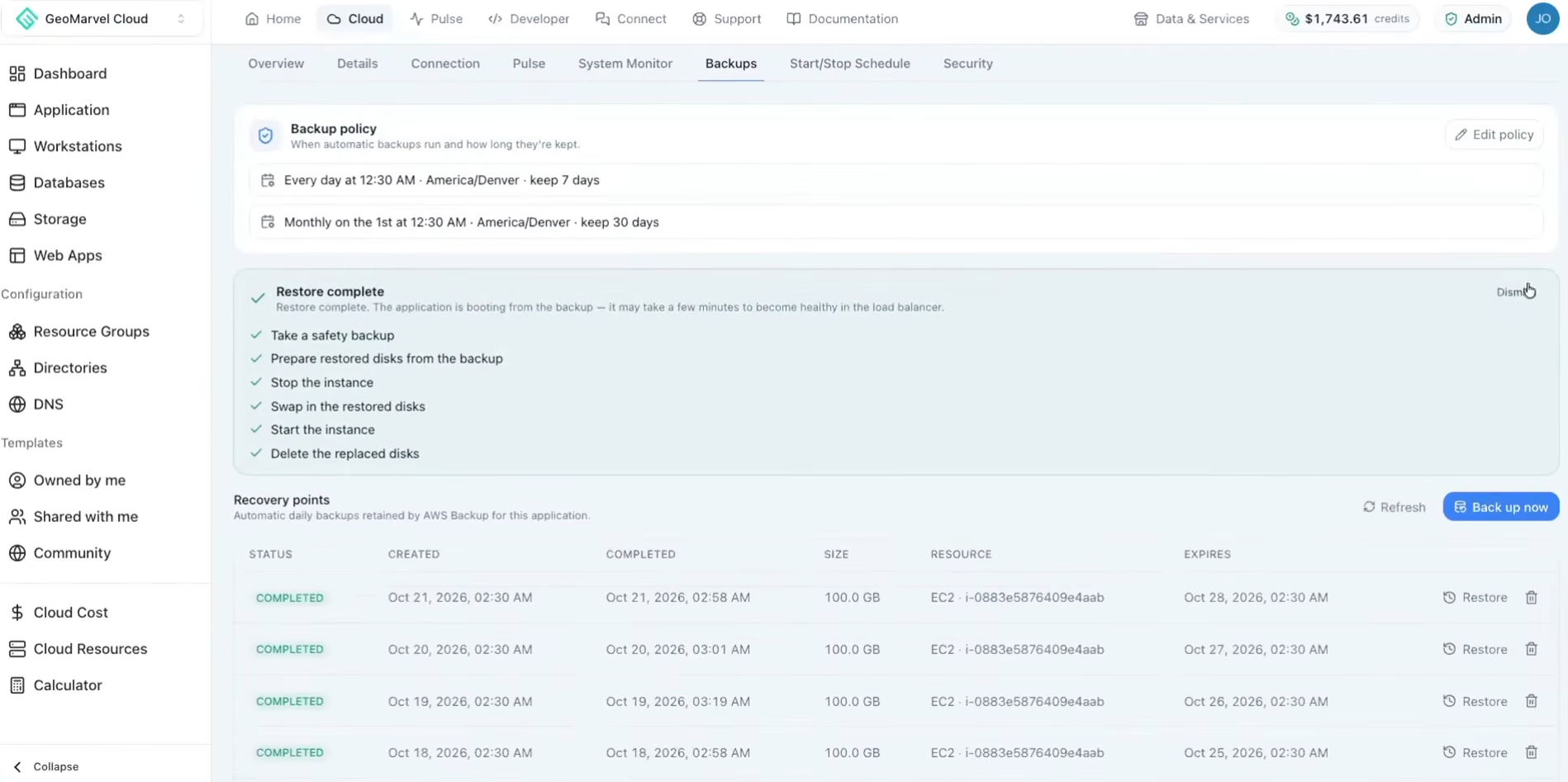
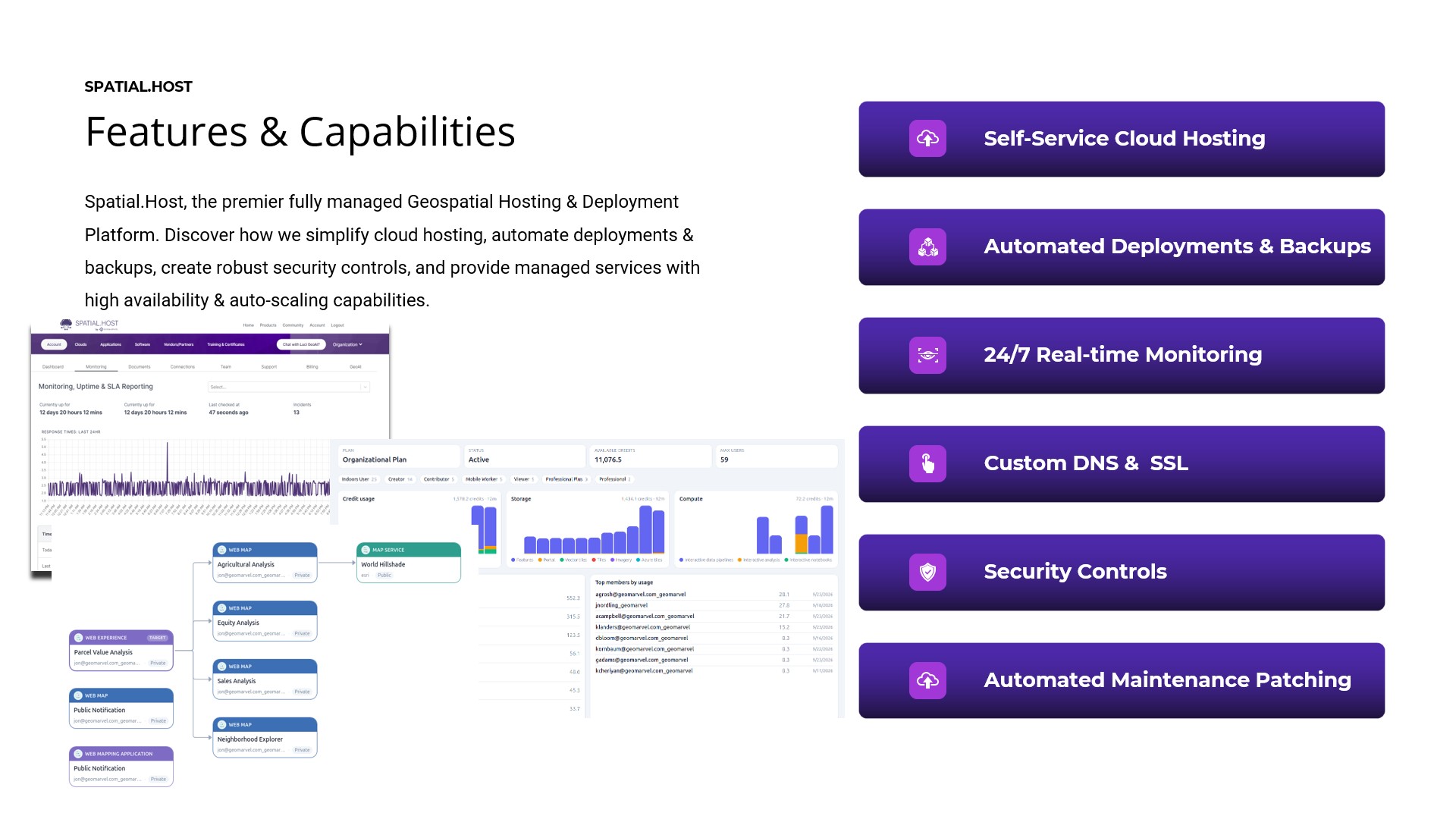
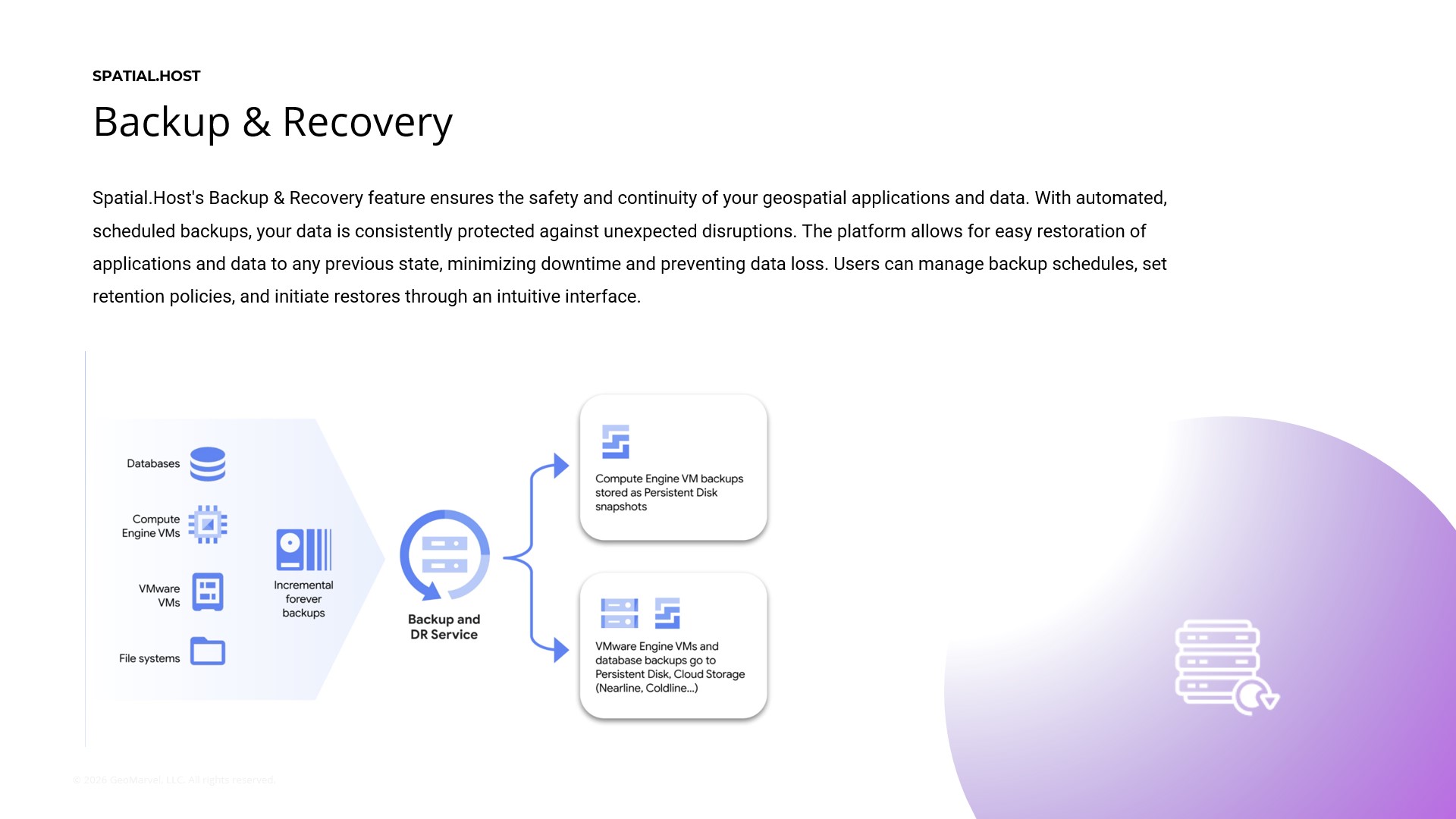
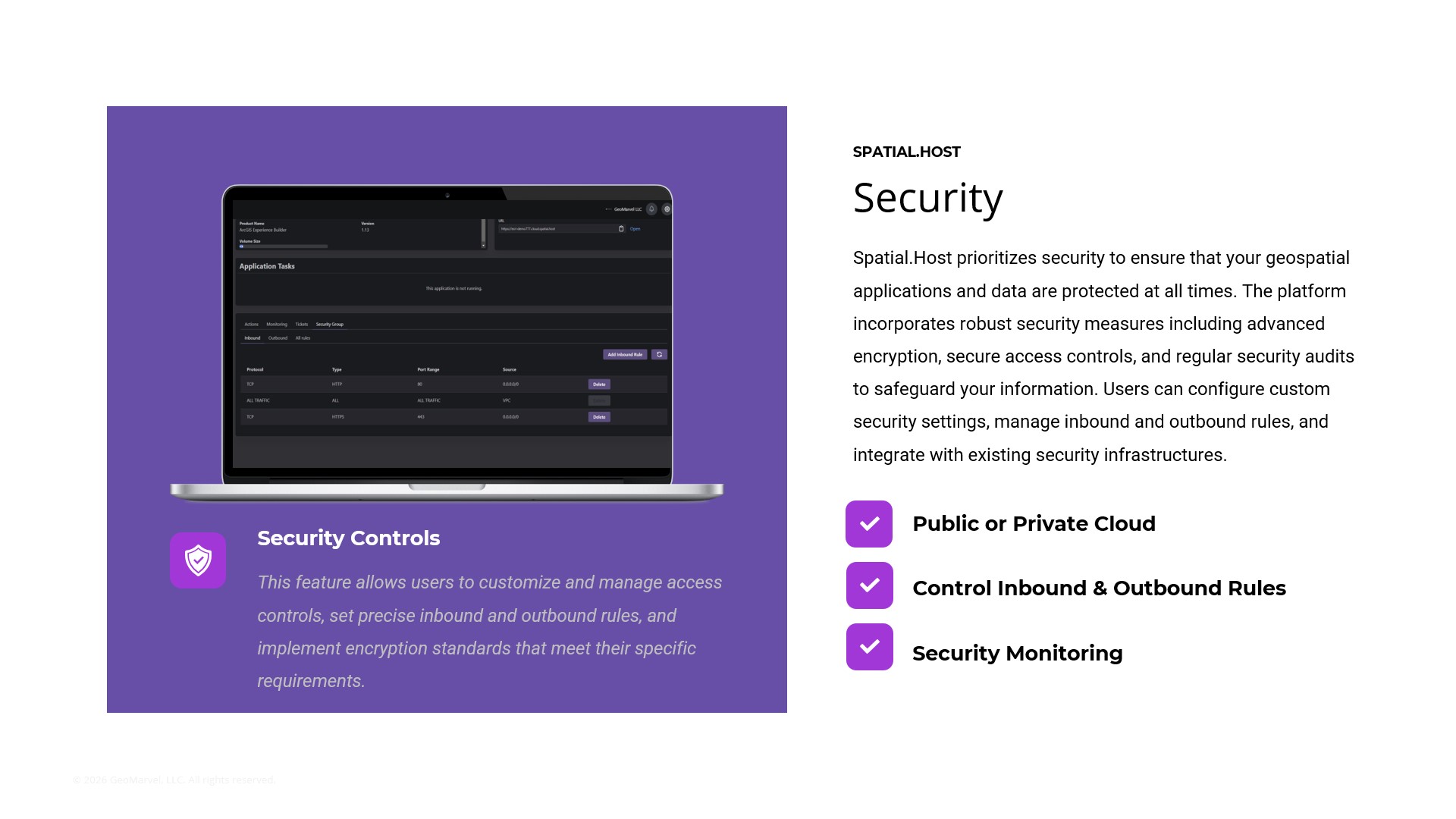
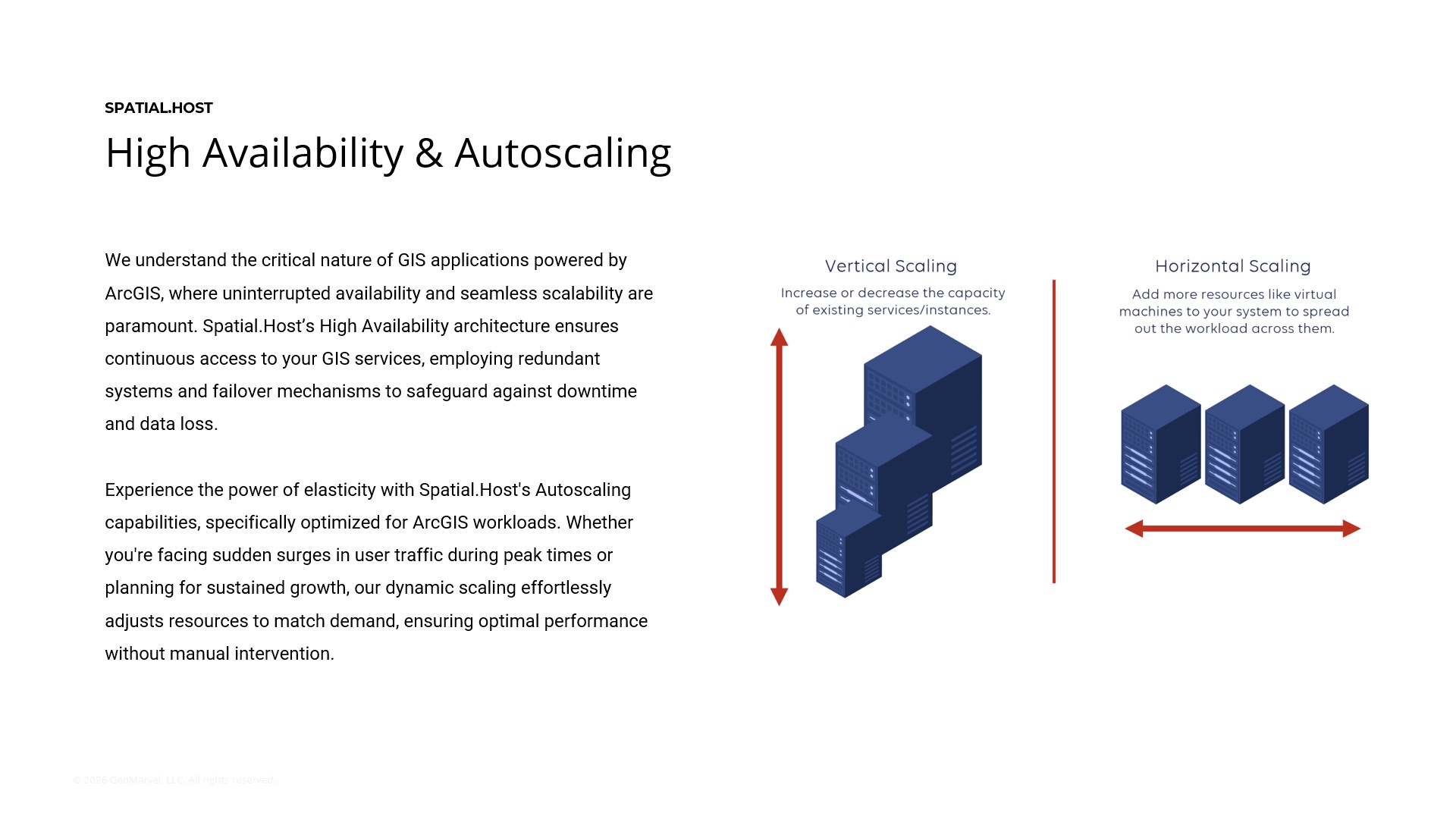
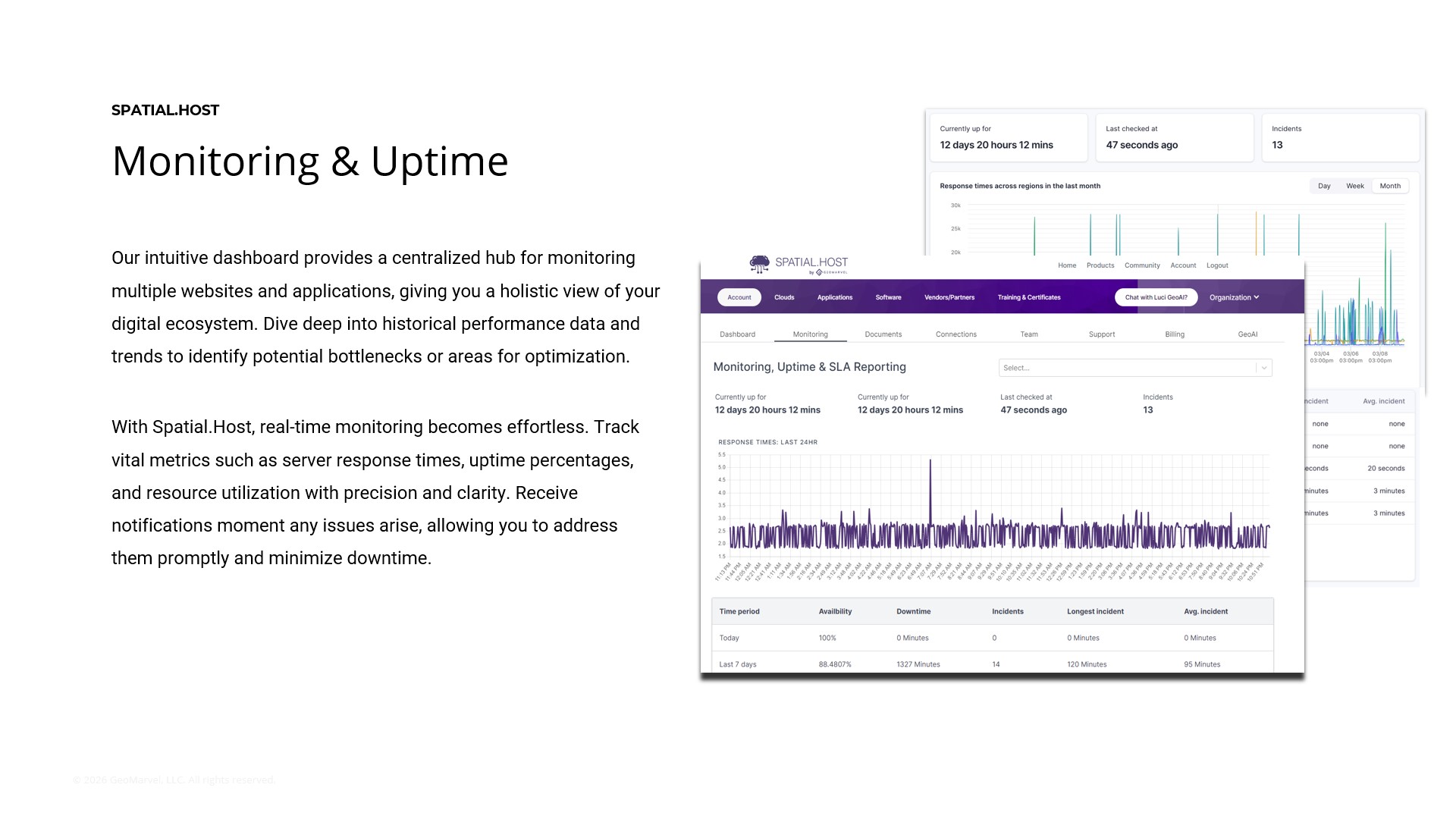
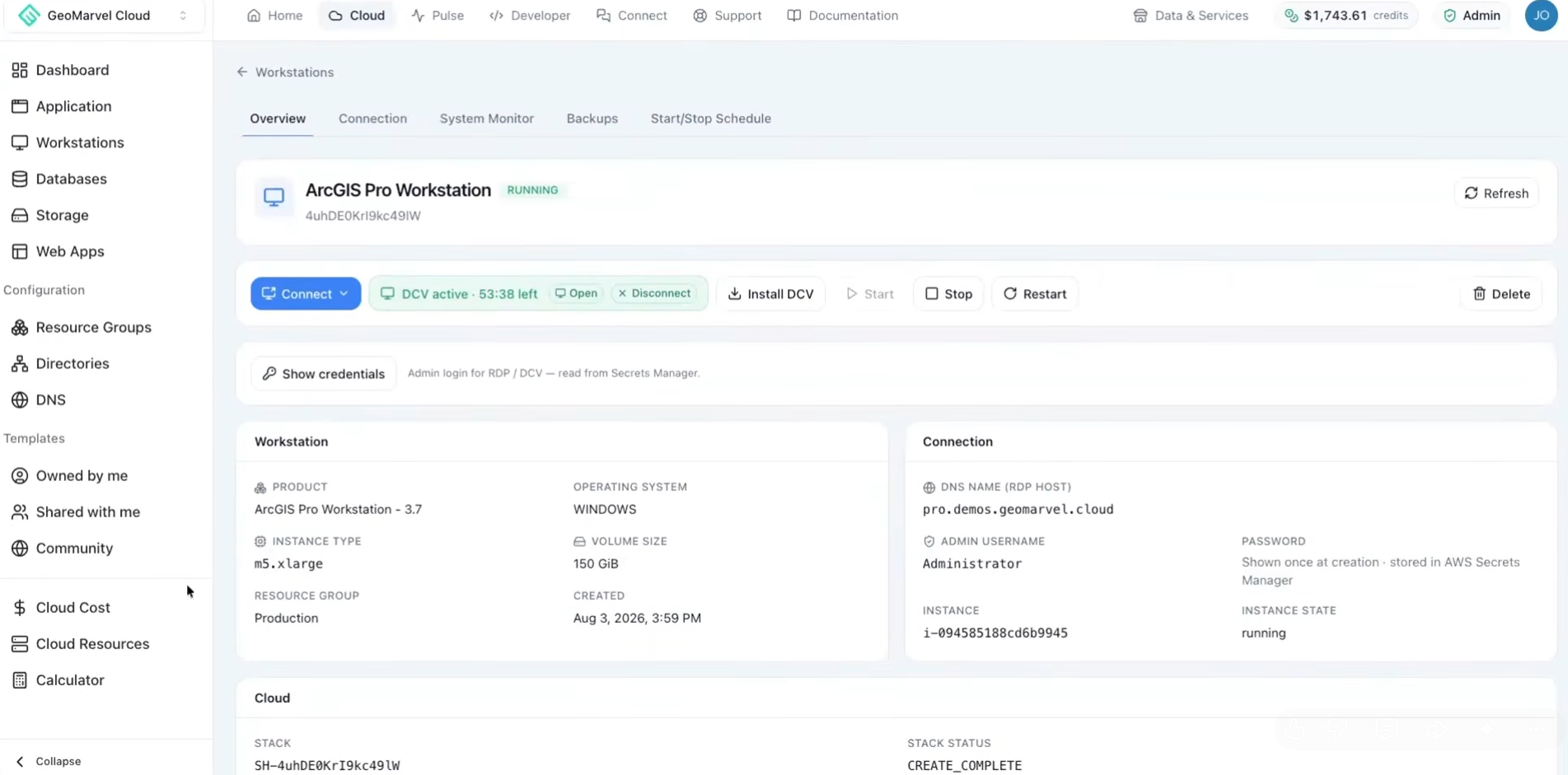
Managing GIS infrastructure involves much more than launching servers. Organizations must also plan for backups, updates, uptime, resource utilization, and recovery.
During the webinar, the team discussed several capabilities designed to simplify these responsibilities. Together, these capabilities help reduce repetitive administrative work, improve operational visibility, and give organizations more control over infrastructure costs:
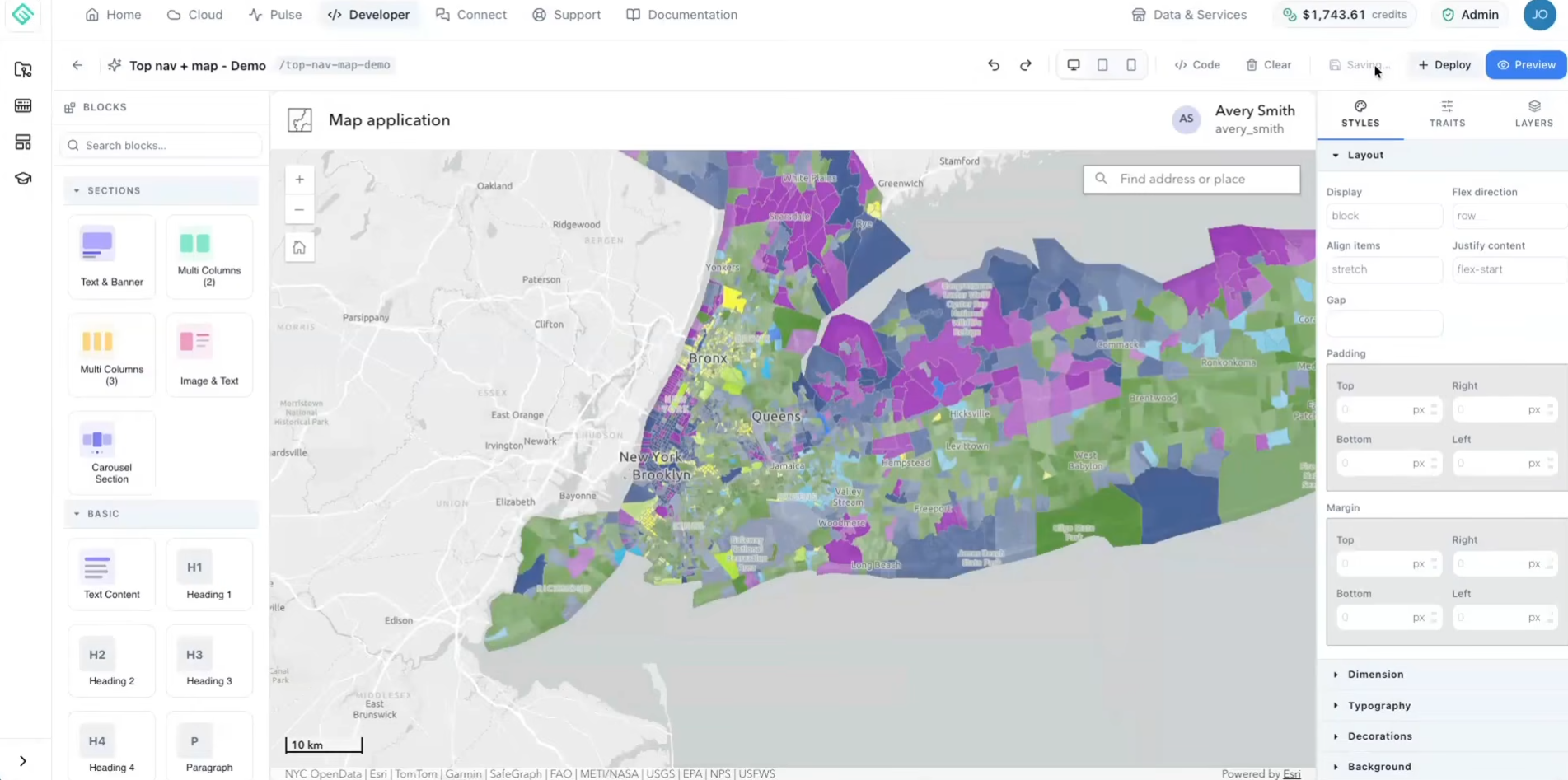
Spatial.Host isn’t limited to standard deployments. The webinar also explored how teams can adapt environments to their specific technical requirements.
Users can download and modify infrastructure-as-YAML configurations to customize their architectures. Developers can connect Git repositories through platforms such as GitHub, Bitbucket, Azure DevOps, and AWS CodeCommit to support version control and CI/CD workflows.
The platform also supports configurable Experience Builder Developer Edition deployments and workstations that can be extended with third-party tools such as FME, AutoCAD, RStudio, and custom integrated development environments.
These capabilities make Spatial.Host useful not only for GIS administrators, but also for developers, analysts, and teams building and maintaining specialized geospatial applications.
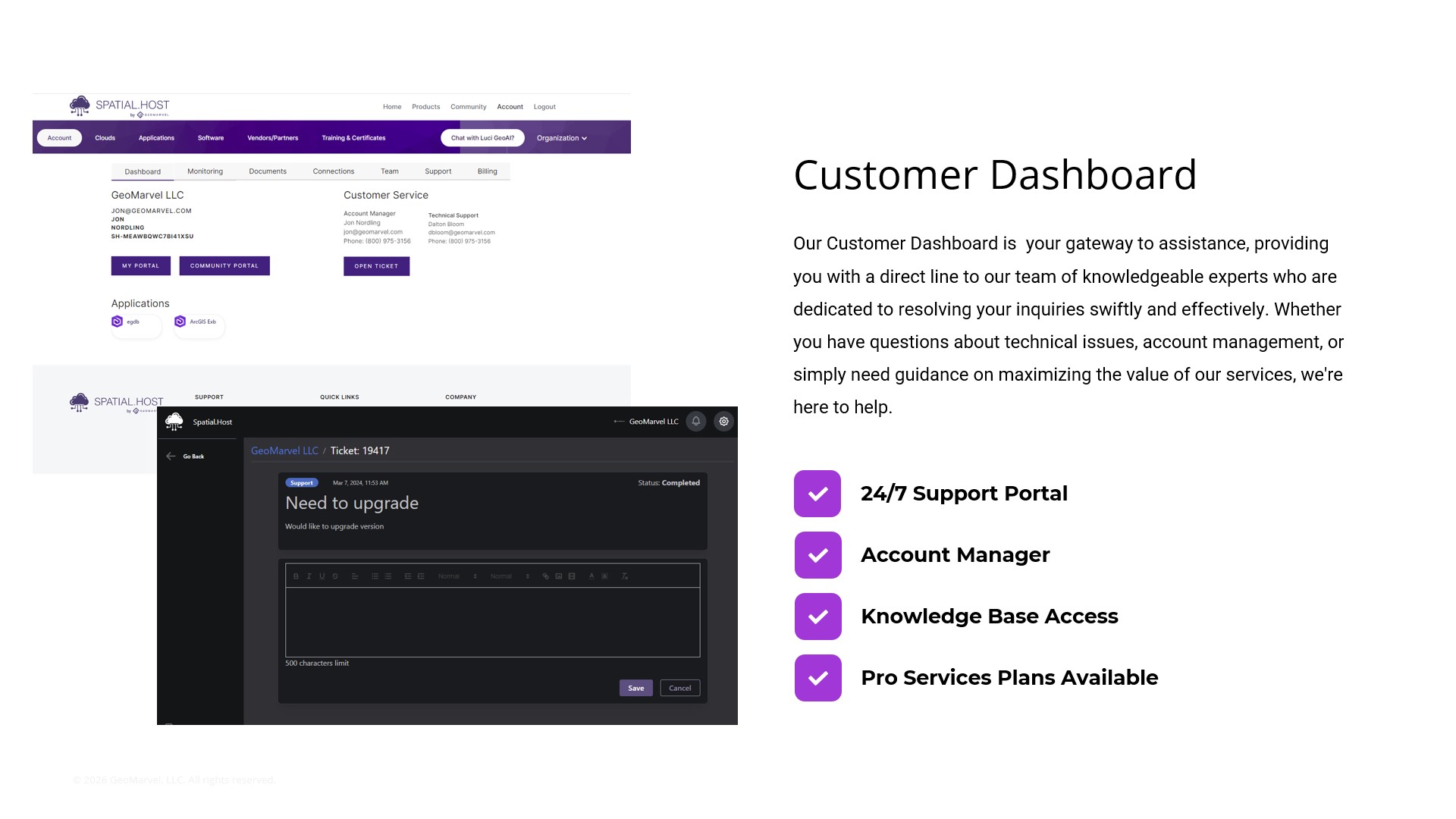
The webinar also addressed practical questions about adopting and operating a managed geospatial hosting platform.
Spatial.Host also extends beyond infrastructure management by making it easier to work with geospatial data sources and services.
The webinar highlighted several integrations and data partnerships that demonstrate this broader ecosystem:
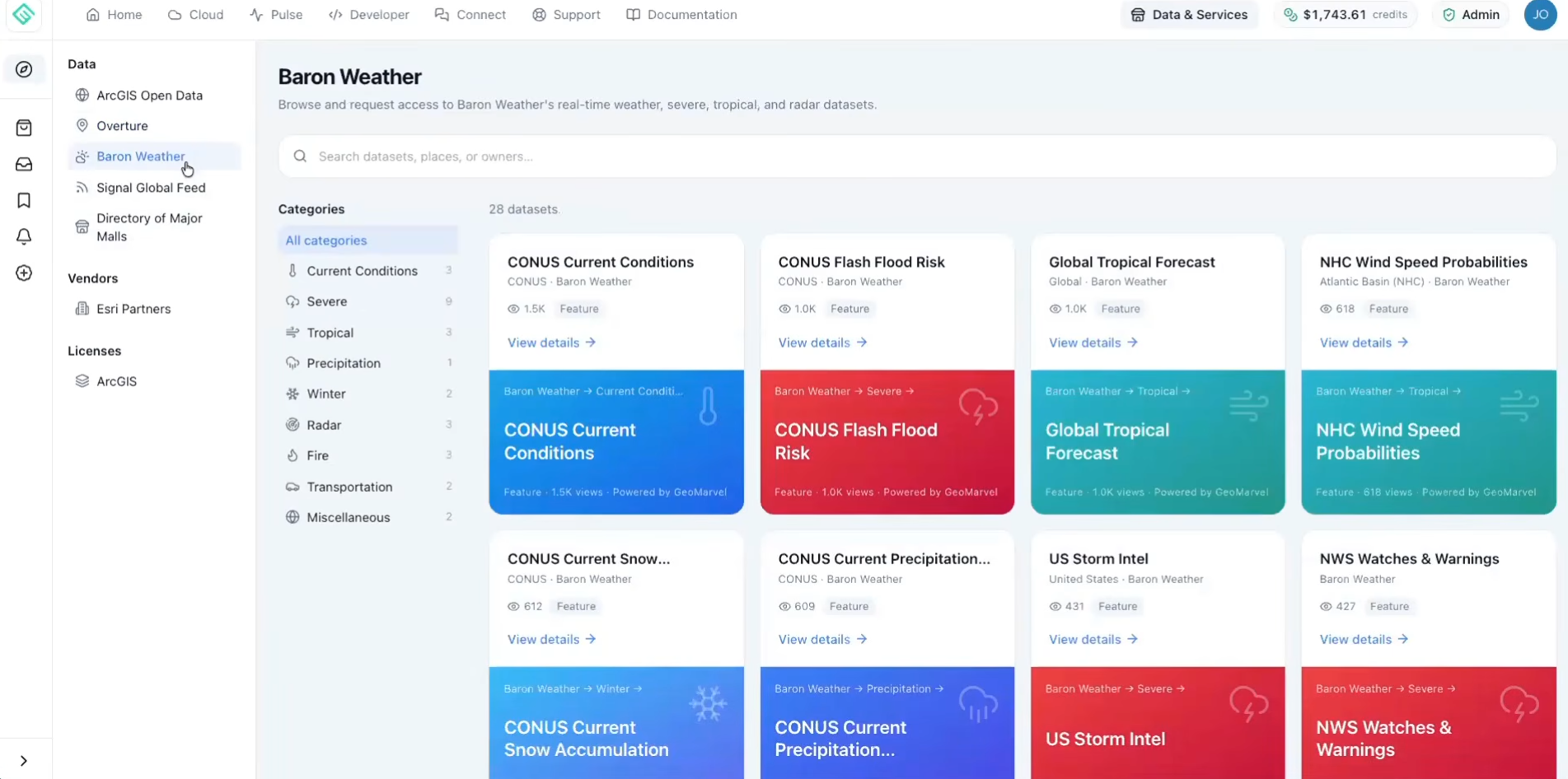
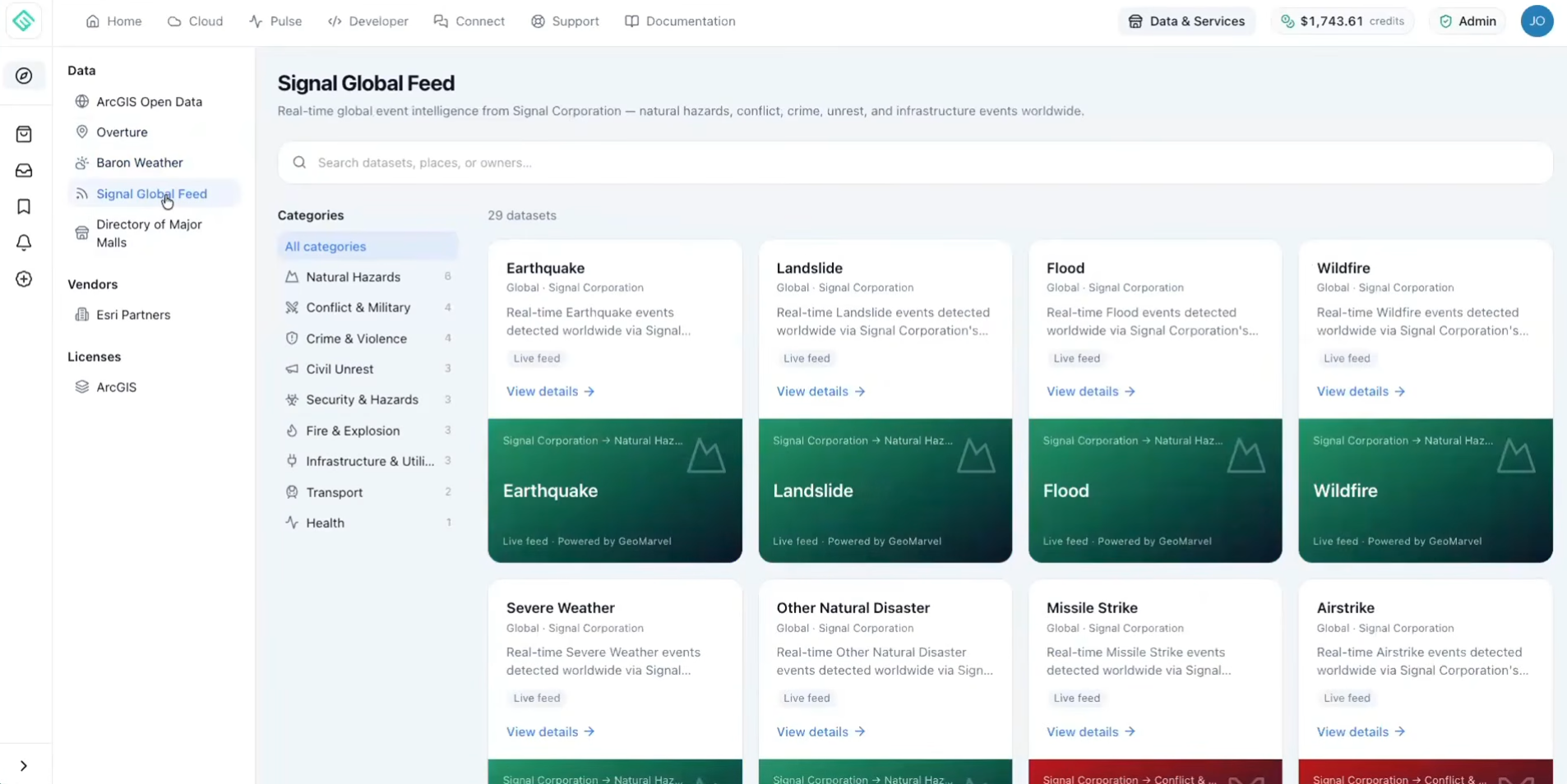
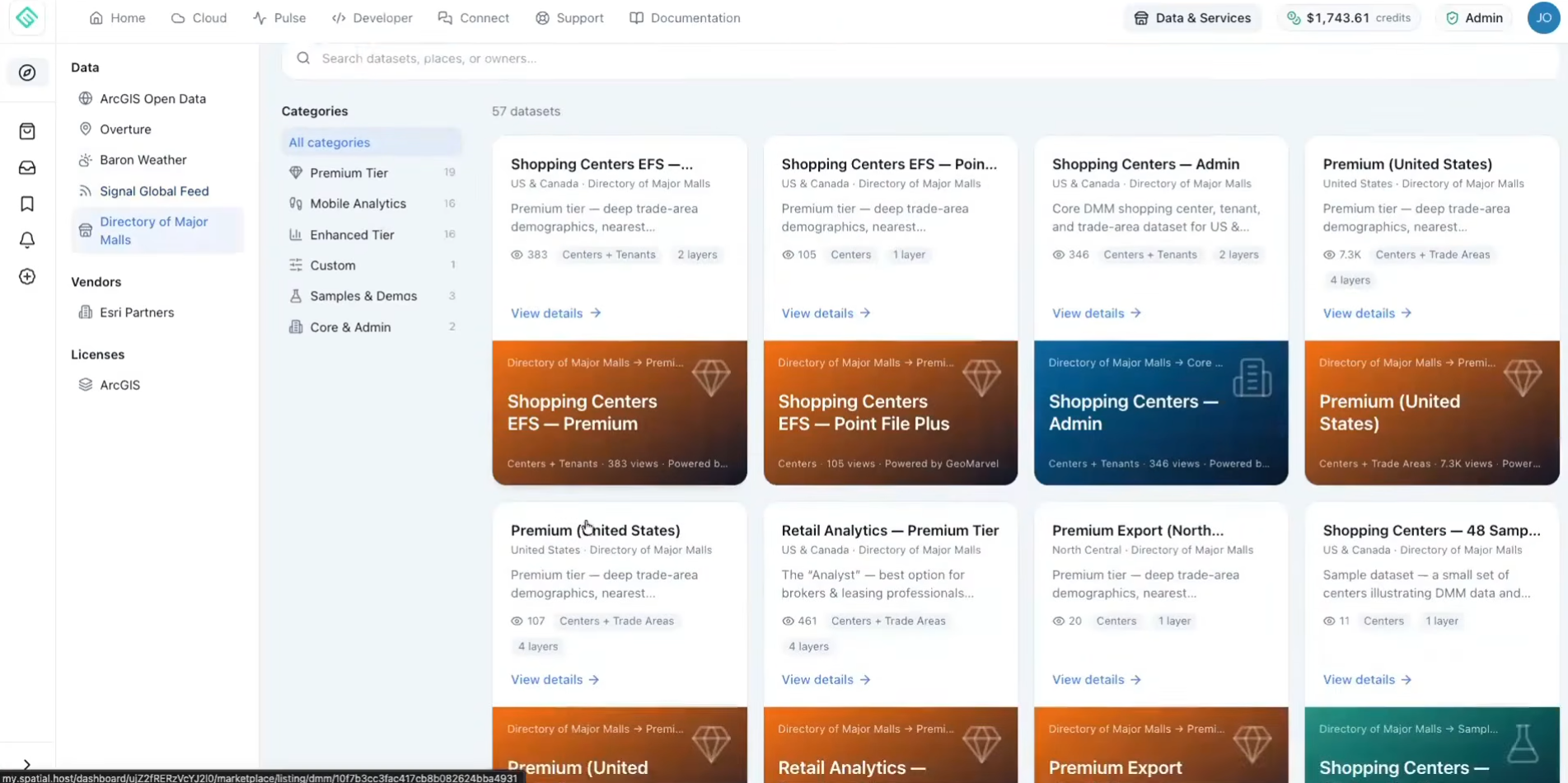
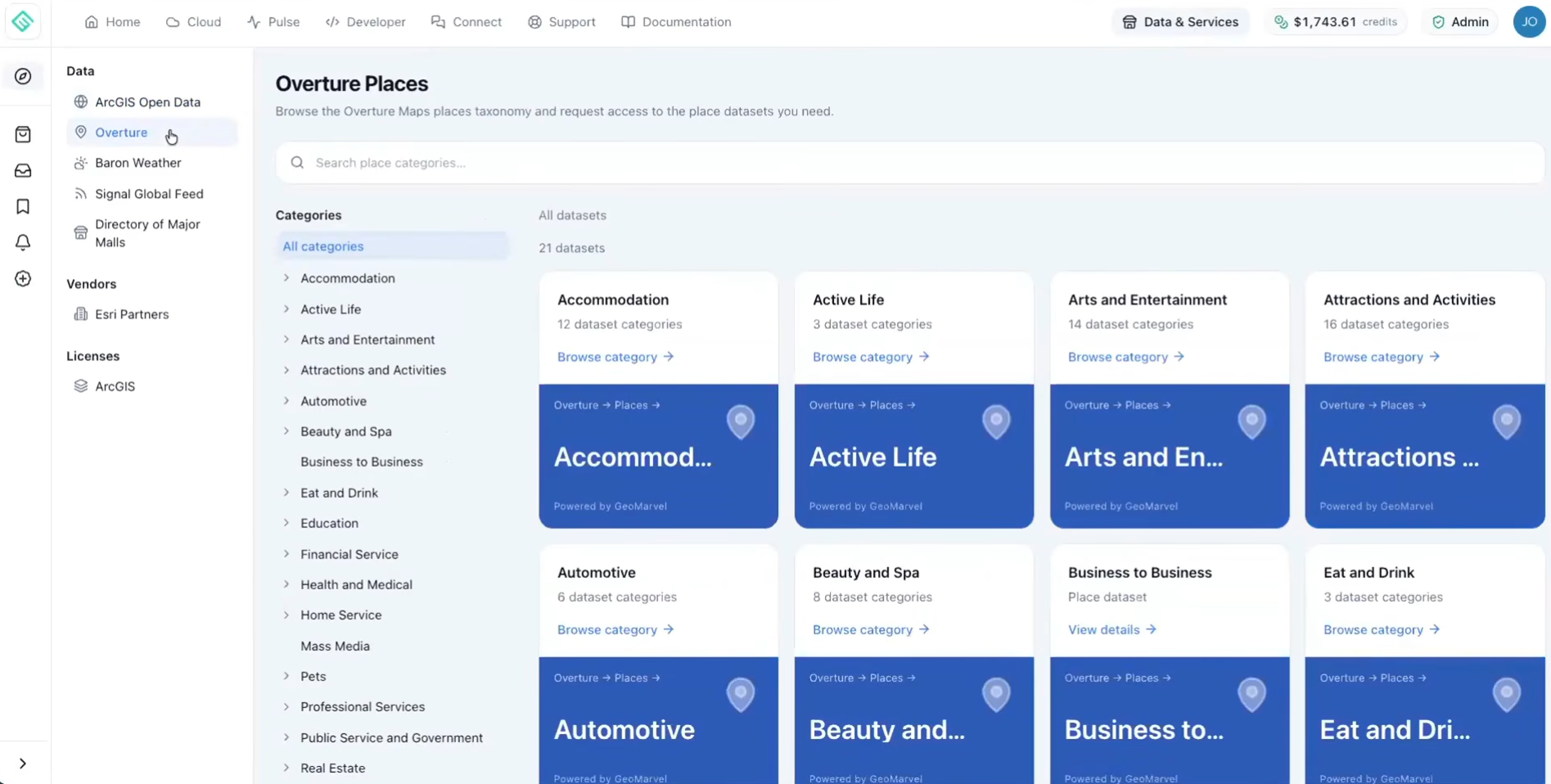
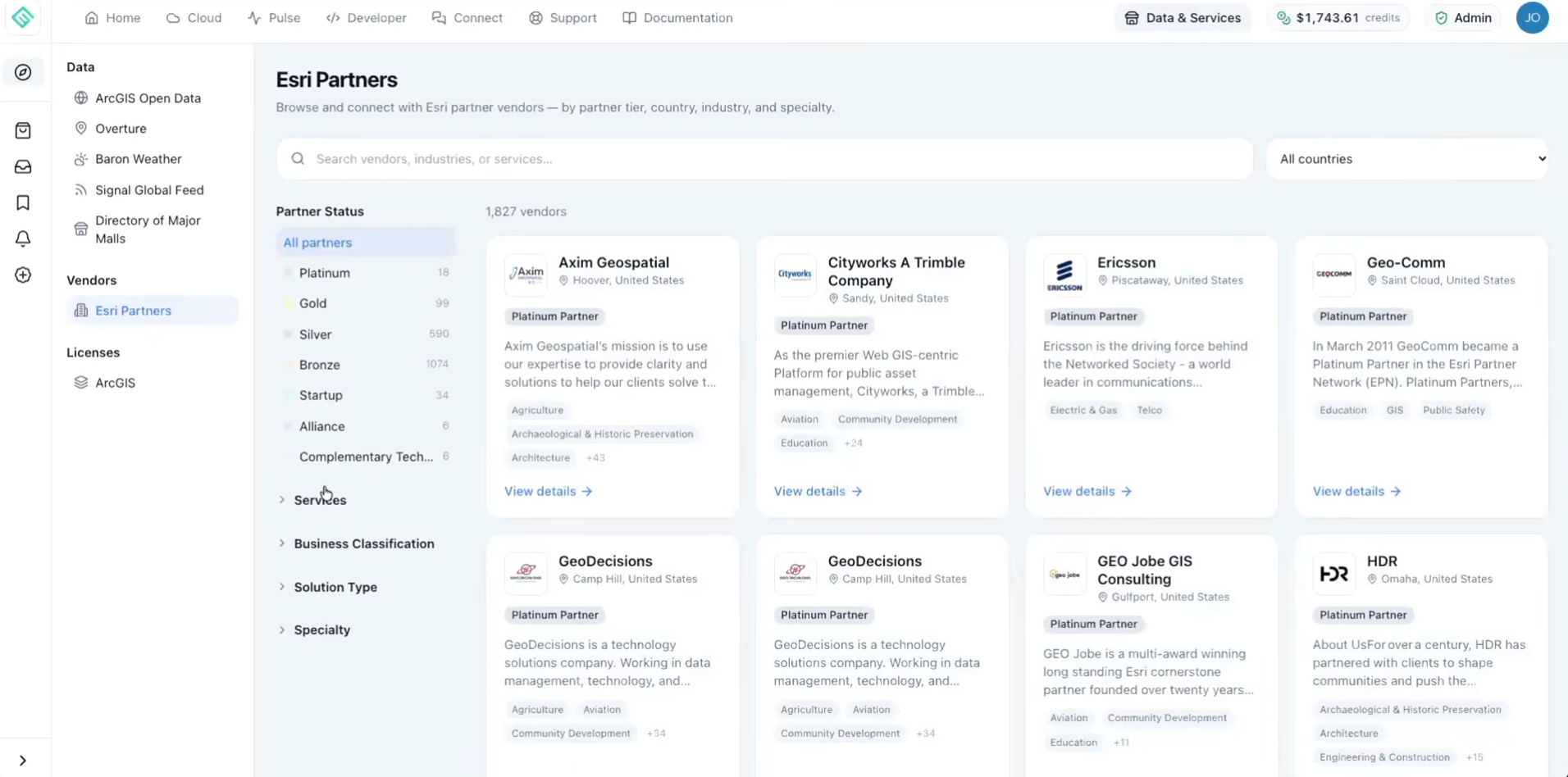
These integrations illustrate how a hosting platform can do more than provide servers. By simplifying access to data and deployment workflows, Spatial.Host can help teams move more efficiently from infrastructure setup to delivering useful geospatial applications.
The Geospatial Hosting Platforms for Spatial Solutions webinar demonstrated how a purpose-built hosting platform can simplify the infrastructure behind modern GIS.
By combining self-service deployment, centralized management, automation, monitoring, developer integrations, and flexible cloud options, Spatial.Host helps organizations reduce infrastructure complexity while maintaining the flexibility to build and scale their geospatial solutions.
Whether you’re modernizing an existing ArcGIS Enterprise deployment, launching a new application, supporting development teams, or looking for a more manageable way to operate GIS infrastructure, Spatial.Host offers a practical path forward.

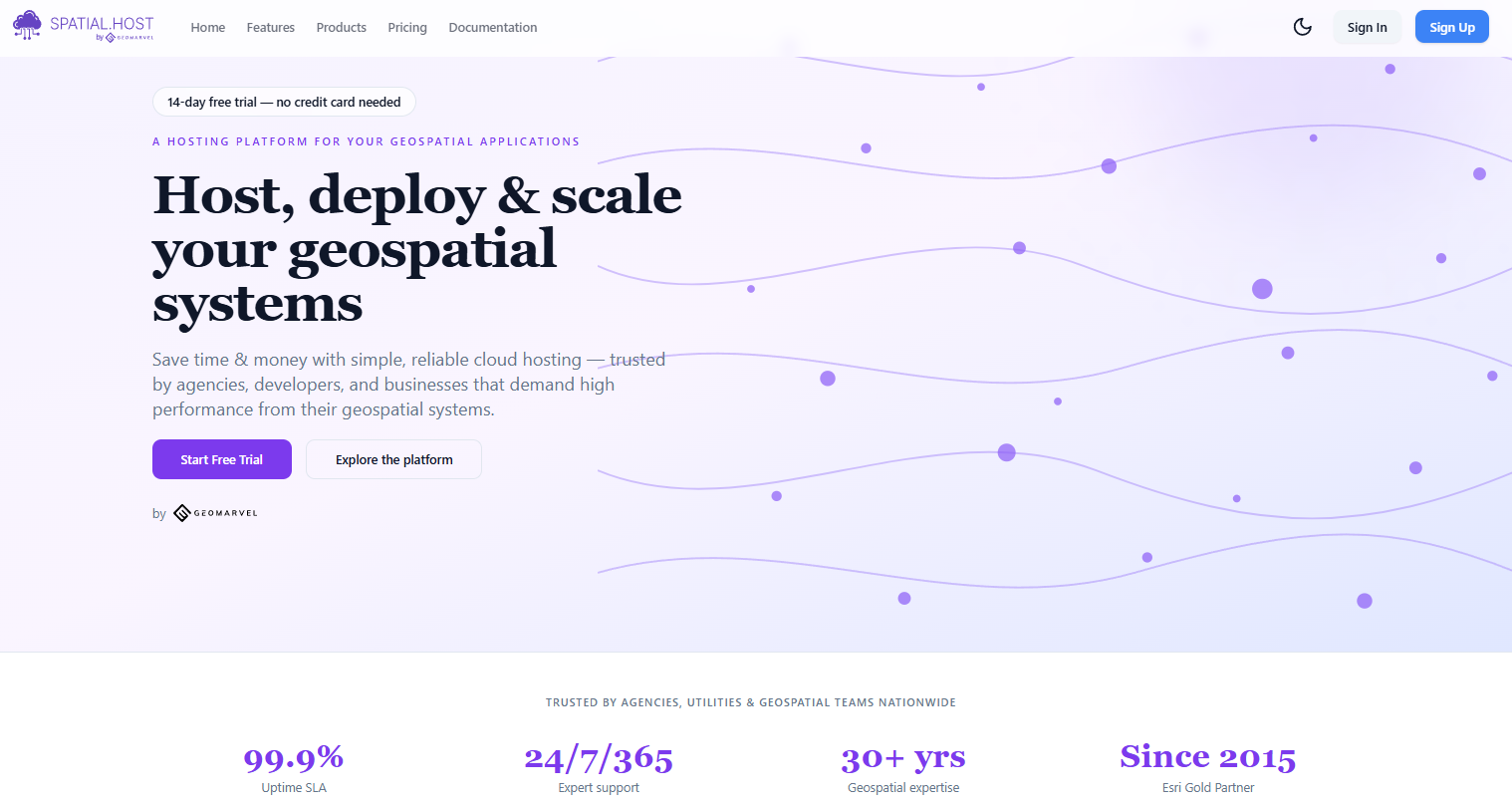
Explore the platform, learn more about its capabilities, or start a 14-Day free trial here.
For organizations new to ArcGIS, GeoMarvel can also help with Esri licensing, deployment planning, implementation, and ongoing GIS support.